Basics
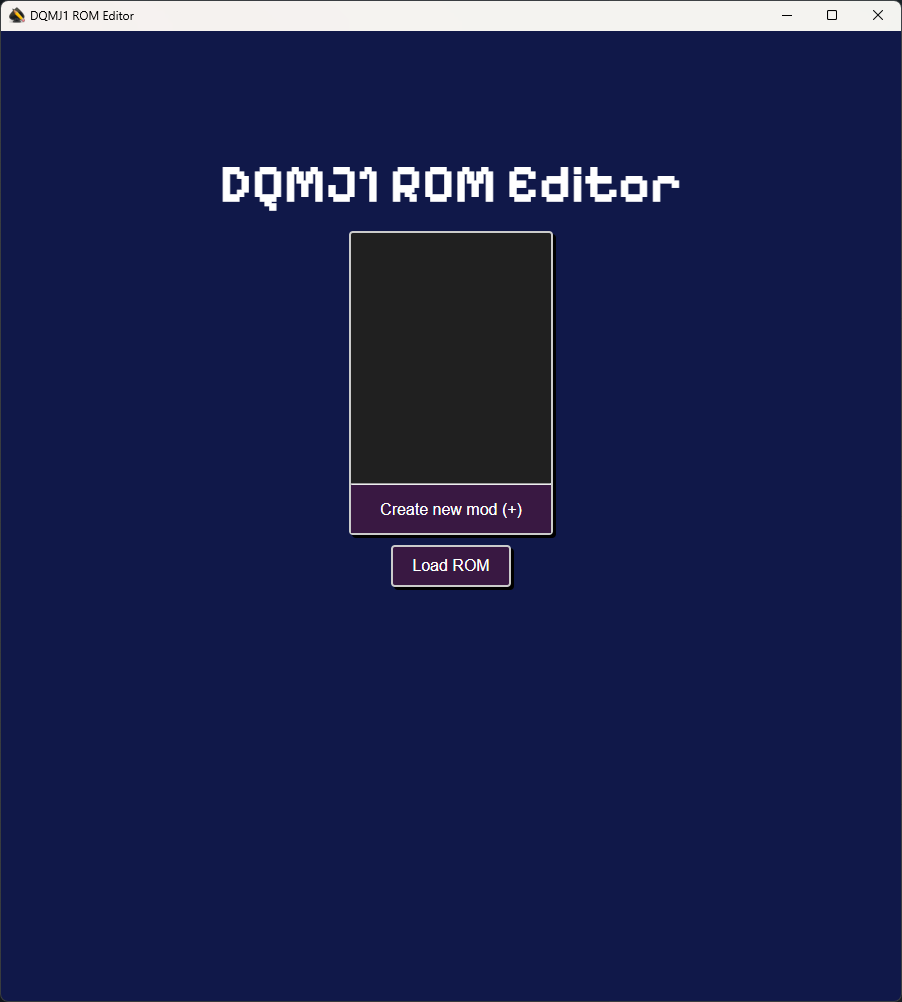
When you open DQMJ1 ROM Editor, it will open to the Mod Selection window. Here you create a mod and load a ROM to begin making changes to the game.
Create a mod
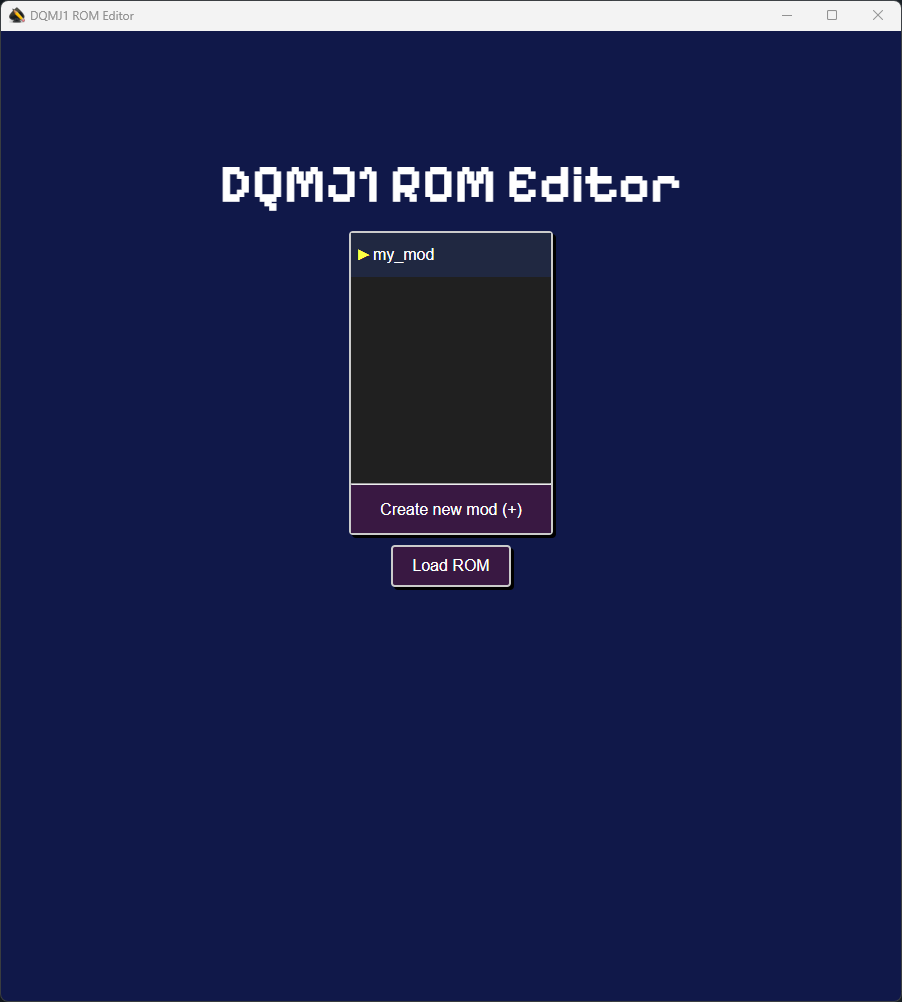
To create a mod, click on the Create a new mod (+) button and enter a name for the mod.
Loading a ROM
Once you have created a mod and selected it, you can click on the Load ROM button to select a ROM to base your mod on.
Typically you'll want to select an original ROM for the game, but you can select an already modified ROM (ex. a randomizer).
After loading a ROM you will be able to make changes to it and save those changes as a mod.